
Step 1
Start with a plain capture
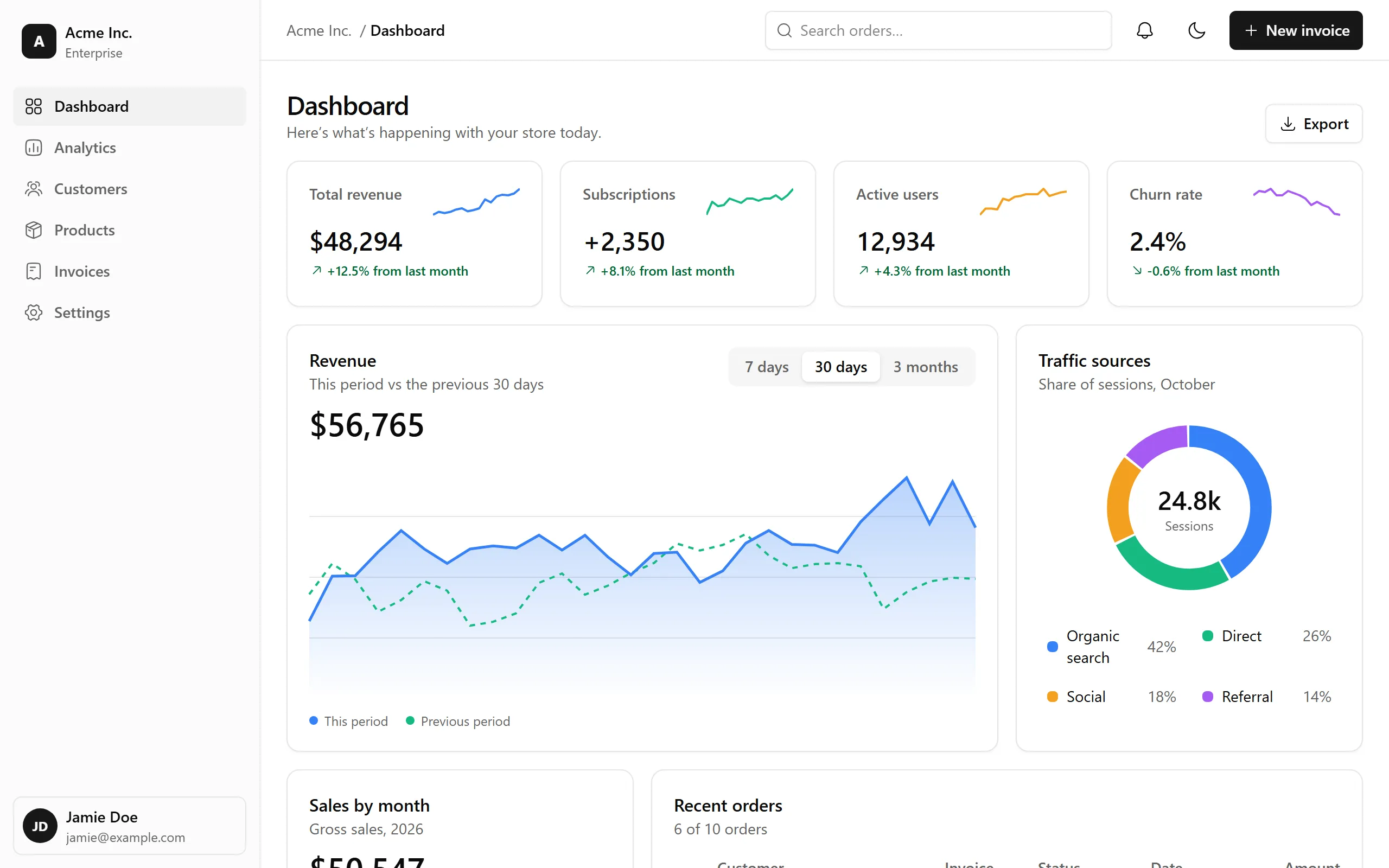
This is the raw recording, exactly as captured. Lensprout keeps it untouched: everything that follows is an edit you can change or undo.
Free and open source · coming soon to Chrome
Record your screen, and Lensprout follows your clicks and typing in Chrome with smooth automatic zooms. Polish it in a local editor and export, without your video ever leaving your device.
No account, no upload, no watermark. Chrome Web Store listing coming soon.
See it change
Scroll to switch on one effect at a time, the same way you would in the editor.
Step 1
This is the raw recording, exactly as captured. Lensprout keeps it untouched: everything that follows is an edit you can change or undo.
Step 2
Add a background, padding, rounded corners and a shadow. Every value previews live.
Step 3
You clicked “3 months”, so the view glides in on it and follows the cursor. No keyframes to place by hand.
Step 4
A larger overlay cursor, a soft highlight and a click pulse make every action easy to follow. Click and key sounds are optional.
Step 5
Tilt, orbit, dolly or swing the shot in 3D. Here your scroll turns it; in the editor, each zoom can.
Step 6
Your webcam is recorded separately, so you can change its layout any time: picture in picture, then side by side.
Step 7
Fill a 9:16 frame that pans with the cursor, then export an MP4 or a GIF, rendered on your device.
Features
Record once. Lensprout handles the camera work, then hands you the controls.
Lensprout notes where you click and type, then plans smooth zooms that follow along. Every zoom stays editable on the timeline.
Trim, restyle and re-time your video in an editor that runs inside the extension. Recordings and edits stay on your device.
Tilt, orbit, dolly or swing the shot, and drop it into a browser, laptop, tablet, phone or monitor frame.
Add your voice and face. The webcam is recorded separately, so you can switch between picture in picture, side by side, stacked or full later.
Highlight the pointer, animate clicks and pick a cursor style. Optional click and keyboard sounds are generated for you, even on silent recordings.
Lensprout suggests speeding up idle stretches and typing, and cutting silent pauses. You choose which suggestions to keep.
Export an MP4 with sound, or an animated GIF at 480, 720 or 960 px wide. Both use the same renderer as the preview.
Save a look (background, frame, cursor, sounds) and apply it to any project, or make it the default for new recordings.
Turn a wide recording into a vertical video. The frame fills the screen and pans to keep the cursor in view.
A closer look
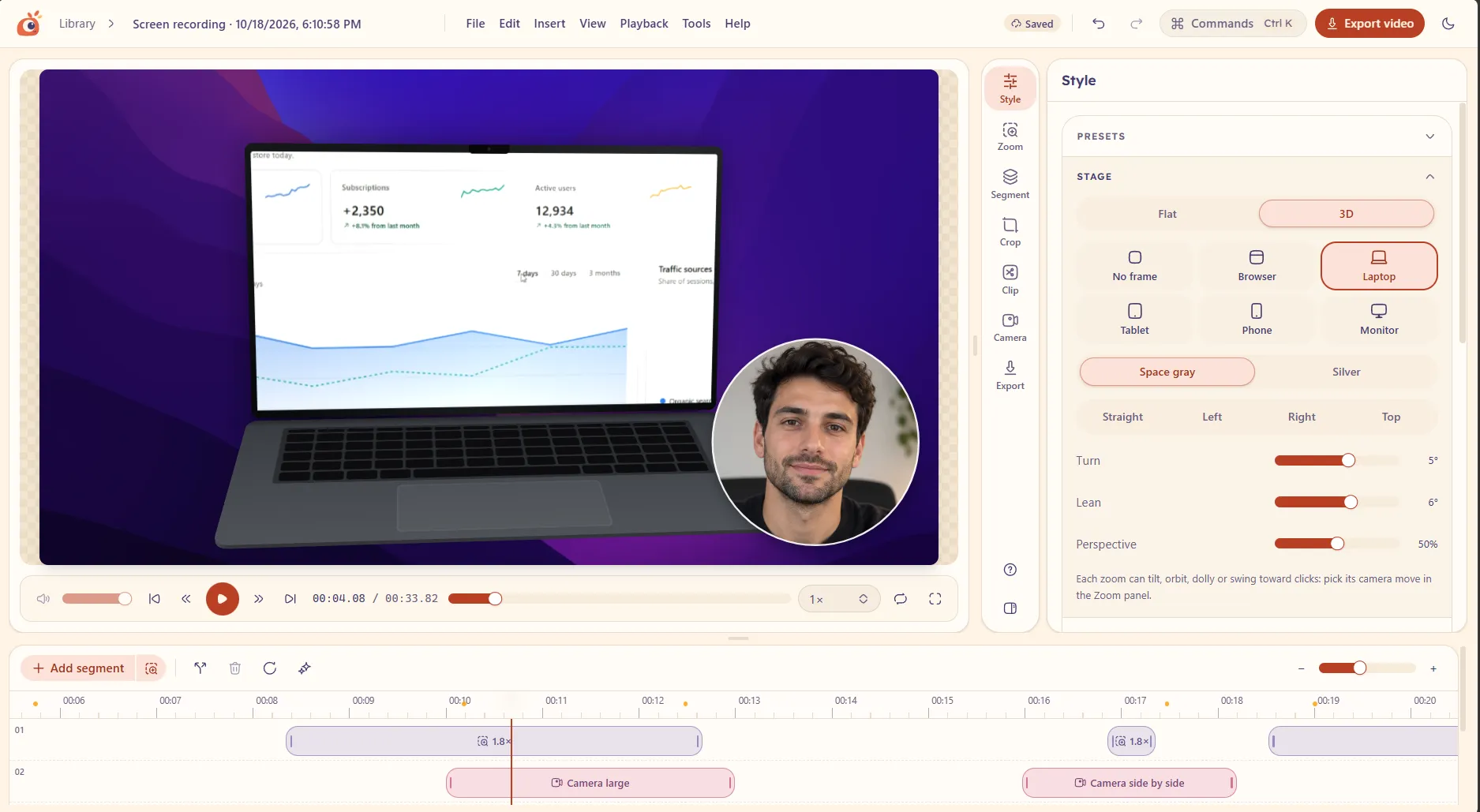
The editor, recorded as-is: preview, style panel and timeline.
How it works
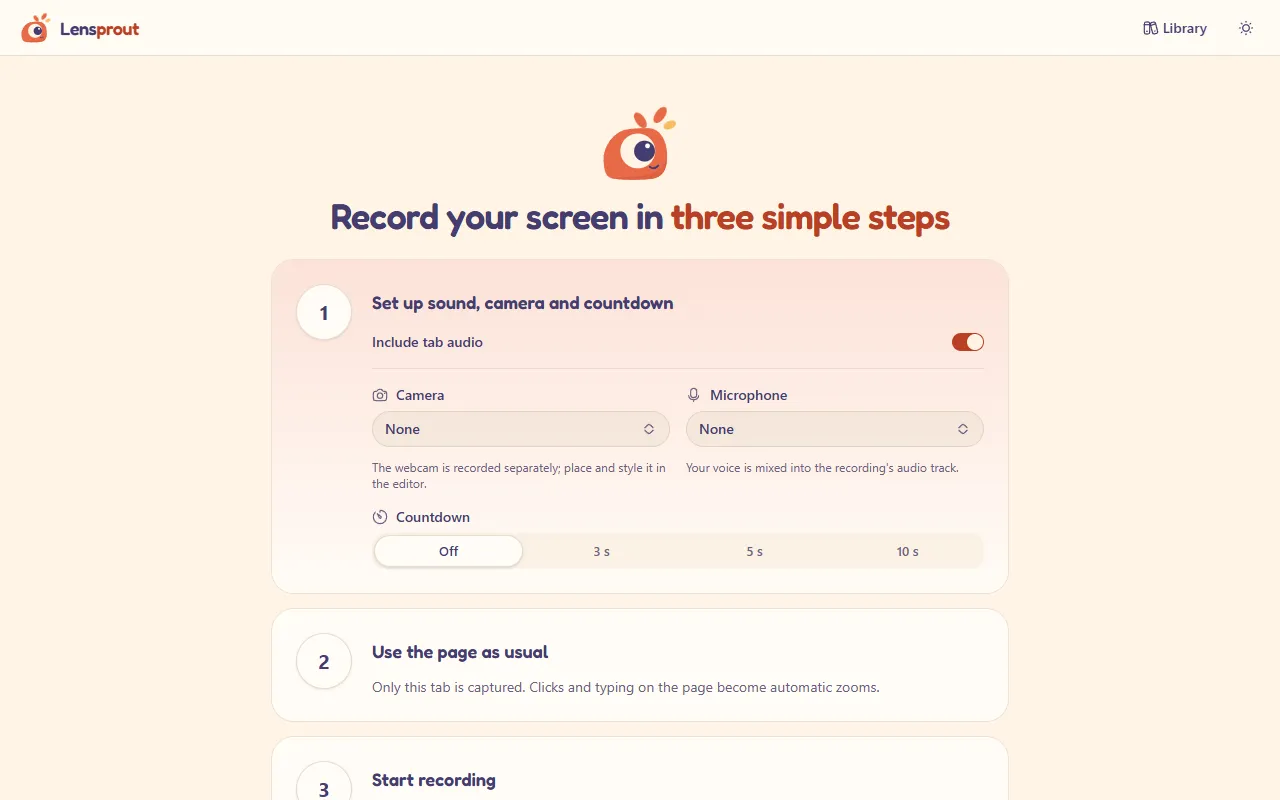
Click the Lensprout button (or press Ctrl+Shift+Y) and pick a screen or window in Chrome’s picker. Add your microphone, webcam and a countdown if you like.
When you stop, Lensprout turns your clicks and typing into zooms that follow the action.
Fine-tune zooms, trim, add speed-ups and cuts, change the background, frame and cursor, and preview the result instantly.
Save an MP4 or GIF straight to your computer, ready to share wherever you like.
Pricing
We spent weeks on a pricing strategy. Then we made everything free for everyone.
Psst. Every plan has every feature.
Everything. For everyone.
$0/ forever
Forever. We checked.
Also free. Same everything. We just liked the word.
$0/ forever
Billed never.
Everything in Free, which is everything.
Still $0, and we skip the sales call.
$0/ forever
Contact sales: there is no sales.
Everything in Pro, which is everything in Free, which is everything.
Open source, MIT licensed
Read it, fork it, ship it in your own product. Just keep the license notice.
Local-first
Screen recordings show inboxes, dashboards and half-written messages. So Lensprout keeps everything on your device, from the first frame to the exported file. It just waters its sprouts and minds its own business.
Lensprout has no server. Recording, editing and export run in your browser.
Install it and press record. There is nothing to sign up for.
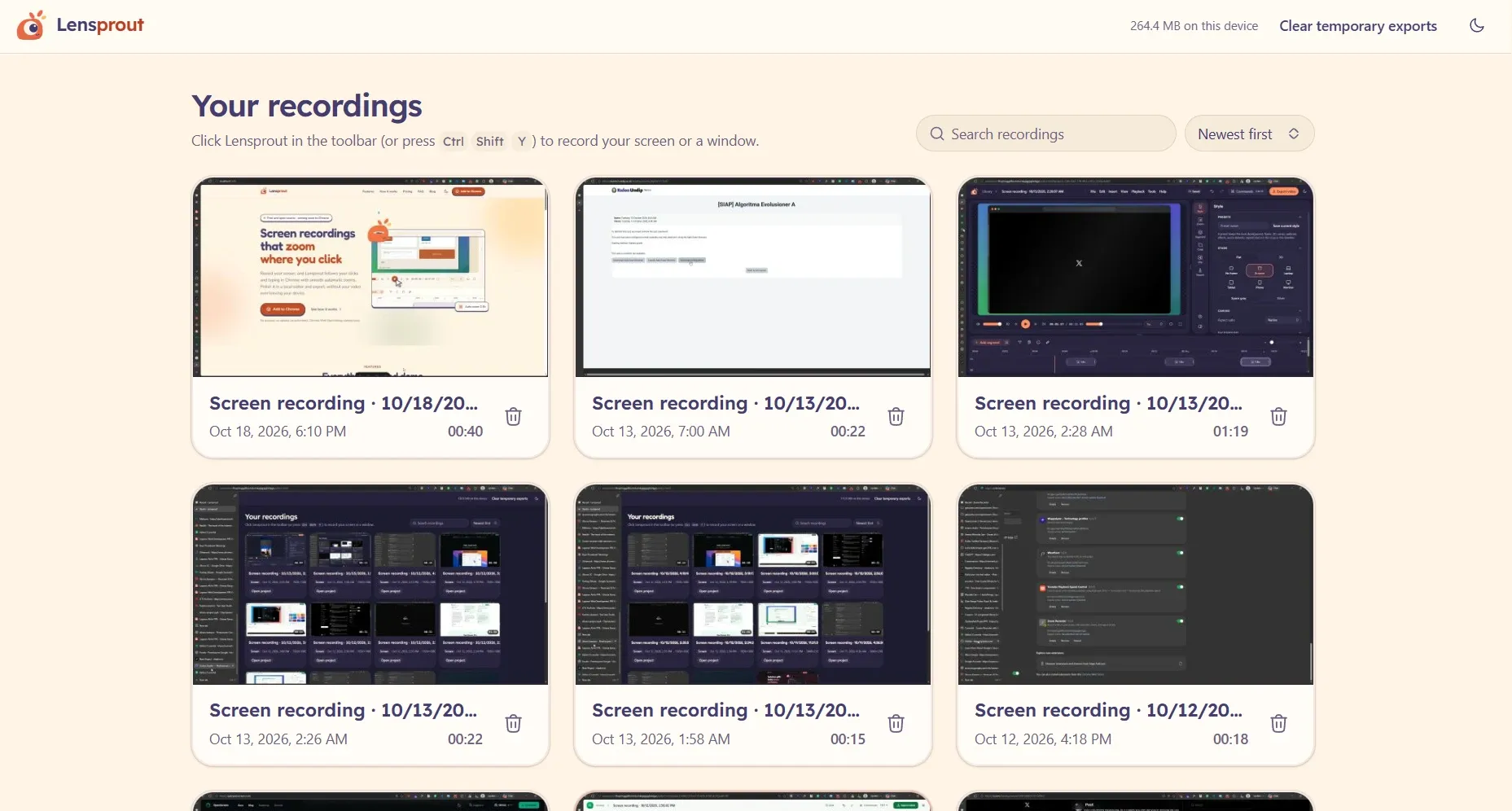
The raw recording is kept as captured, and your edits are saved alongside it.
FAQ
Yes. Every feature is free for everyone, for personal and commercial work. There is no account, no watermark, no trial and no upsell, and the code is open source under the MIT license.
No. Recording, editing and export all happen inside the extension on your computer. Lensprout has no server to send your video to, and it does not need an account.
In your browser’s local storage for the extension. Your original recording is kept as it was, and your edits are saved separately, so you can always go back. Removing the extension removes its stored recordings, so export the videos you want to keep.
Lensprout is built for Google Chrome on desktop.
You can record a whole screen or a window through Chrome’s picker, but automatic zoom follows clicks and typing on web pages in Chrome. Lensprout cannot see the pointer inside other desktop apps, so add those zooms by hand in the editor.
An MP4 video with sound, or an animated GIF (480, 720 or 960 px wide, 10 to 20 frames per second, looping or not).
Lensprout is not on the Chrome Web Store yet. The listing is coming soon.
Lensprout is coming soon to the Chrome Web Store. The button will take you there as soon as the listing is live.